All software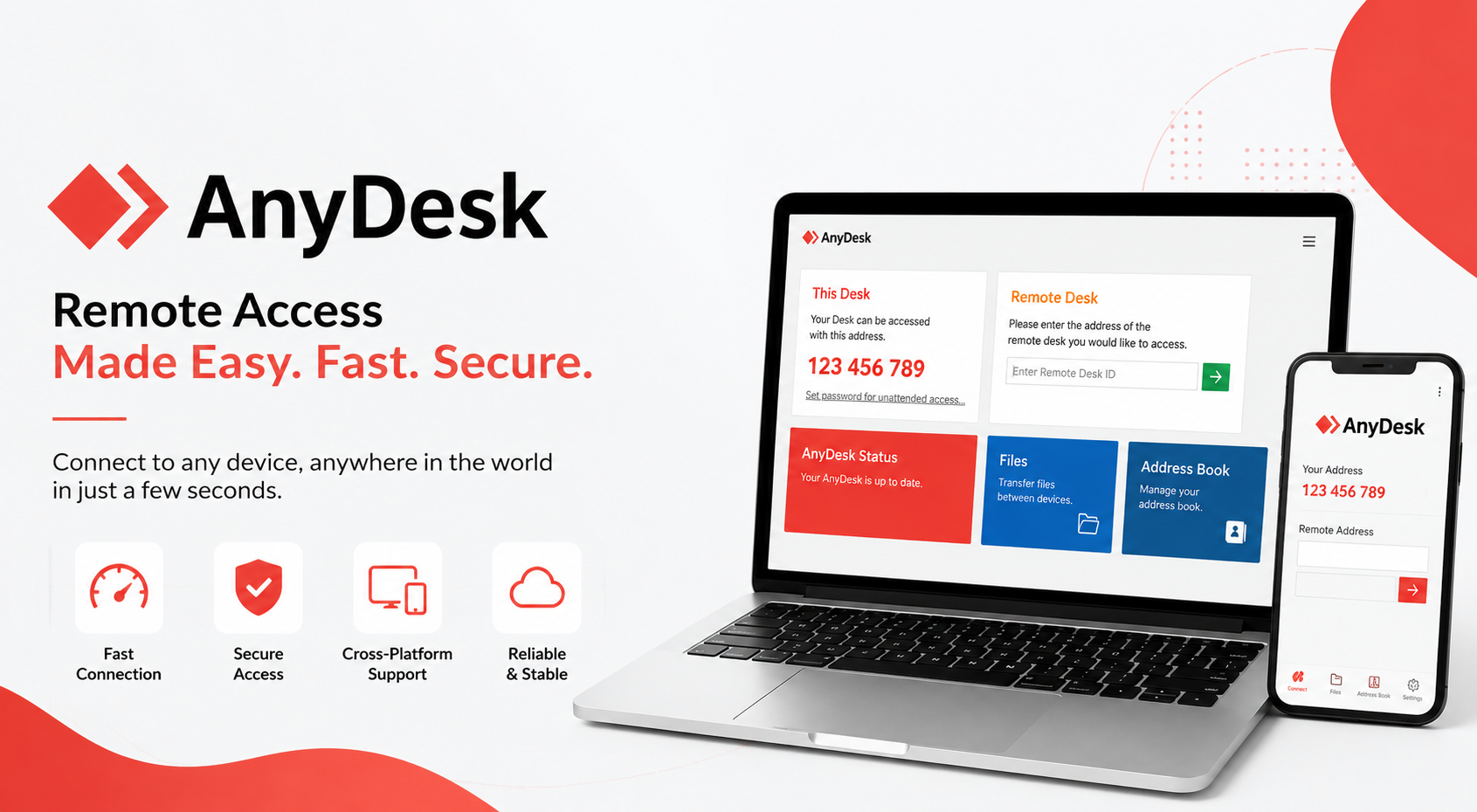
Remote Support Toolsv9.5
ANYDESK
Download AnyDesk for Windows to access fast, secure, and reliable remote desktop support. Ideal for remote technical assistance, software installation, troubleshooting, and system maintenance with an easy-to-use interface.
7.5 MB Windows 10/11 Released 7/6/2026 Check the file with your preferred antivirus before installation 24 downloads
About ANYDESK
AnyDesk – Secure Remote Desktop Software for Windows
AnyDesk ek fast, lightweight aur secure Remote Desktop Software hai jiske through aap kisi bhi Windows computer ko internet ke madhyam se remotely access kar sakte hain. Yeh software technical support, software installation, troubleshooting aur system maintenance ke liye duniya bhar me use kiya jata hai.
Agar aapko kisi computer me software install karna ho, technical issue solve karna ho ya remote support dena ho, to AnyDesk ek trusted solution hai.
Key Features
Fast & Secure Remote Desktop Connection
Lightweight aur Easy to Use Interface
High-Speed Screen Sharing
Secure End-to-End Encrypted Connection
Remote Technical Support
Software Installation Assistance
File Transfer Support
Low Bandwidth me bhi Smooth Performance
Windows Compatible
Free for Personal Use
System Requirements
Operating System: Windows 10 / Windows 11 (32-bit & 64-bit)
RAM: Minimum 2 GB (4 GB Recommended)
Processor: Intel or AMD Processor
Internet: Stable Internet Connection Required
Common Uses
Remote Technical Support
Software Installation
System Troubleshooting
Remote Office Access
File Sharing
IT Administration
Customer Support
Installation Guide
Download AnyDesk from this website.
Open the downloaded setup file.
Follow the on-screen installation instructions.
Launch AnyDesk after installation.
Share your AnyDesk Address with the support person or enter the remote device ID to connect.
Security
AnyDesk uses TLS 1.2 encryption and secure authentication to help protect remote sessions. Always connect only with trusted users and never share unattended access passwords with unknown persons.
Important Note
Use AnyDesk only with trusted technical support providers. Before allowing remote access, verify the identity of the person requesting access to your computer.
Technical details
- Version
- v9.5
- File size
- 7.5 MB
- Supported Windows
- Windows 10/11
- Bank
- Common
- Category
- Remote Support Tools
- Last updated
- 7/6/2026
- Downloads
- 24
- Virus scan
- Check the file with your preferred antivirus before installation
Installation & setup
- Download the file using the button on this page and wait for it to finish.
- Close any earlier version of ANYDESK that is currently running.
- Right-click the downloaded file and choose Run as administrator.
- Follow the on-screen installer steps and keep the default location unless you need to change it.
- Restart the computer if the installer asks you to, then open the application.
Common issues
- Check that your Windows version matches the supported systems listed above.
- If setup fails midway, uninstall the previous version and reinstall the correct build.
- For printers and devices, confirm the USB/network connection and power before installing.
- If the application does not start, restart it once, then restart the computer.
- Make sure any required drivers or runtime components are installed first.
Frequently asked questions
Ready to download ANYDESK?
Free download, no sign-up required.
DownloadPlease verify software compatibility with your device and operating system before installation.
Useful CSP/BC tools
Free browser-based tools for everyday counter work.
JPG to PDFTurn photos of documents into a clean, printable PDF.Merge PDFCombine several PDFs into one file in the order you choose.Compress PDFShrink a PDF so it fits portal upload limits.PDF to JPGExport every page of a PDF as a high quality JPG image.Compress ImageReduce JPG, PNG or WEBP size with a quality slider.CSP Photo & ID PrintingPrepare passport-size photos and simple ID cards on an A4 sheet for easy printing.
Browse all CSP tools Government scheme closure
Generate ready-to-use PMJJBY, PMSBY and APY closure request letters in your browser.
Open letter generator