All software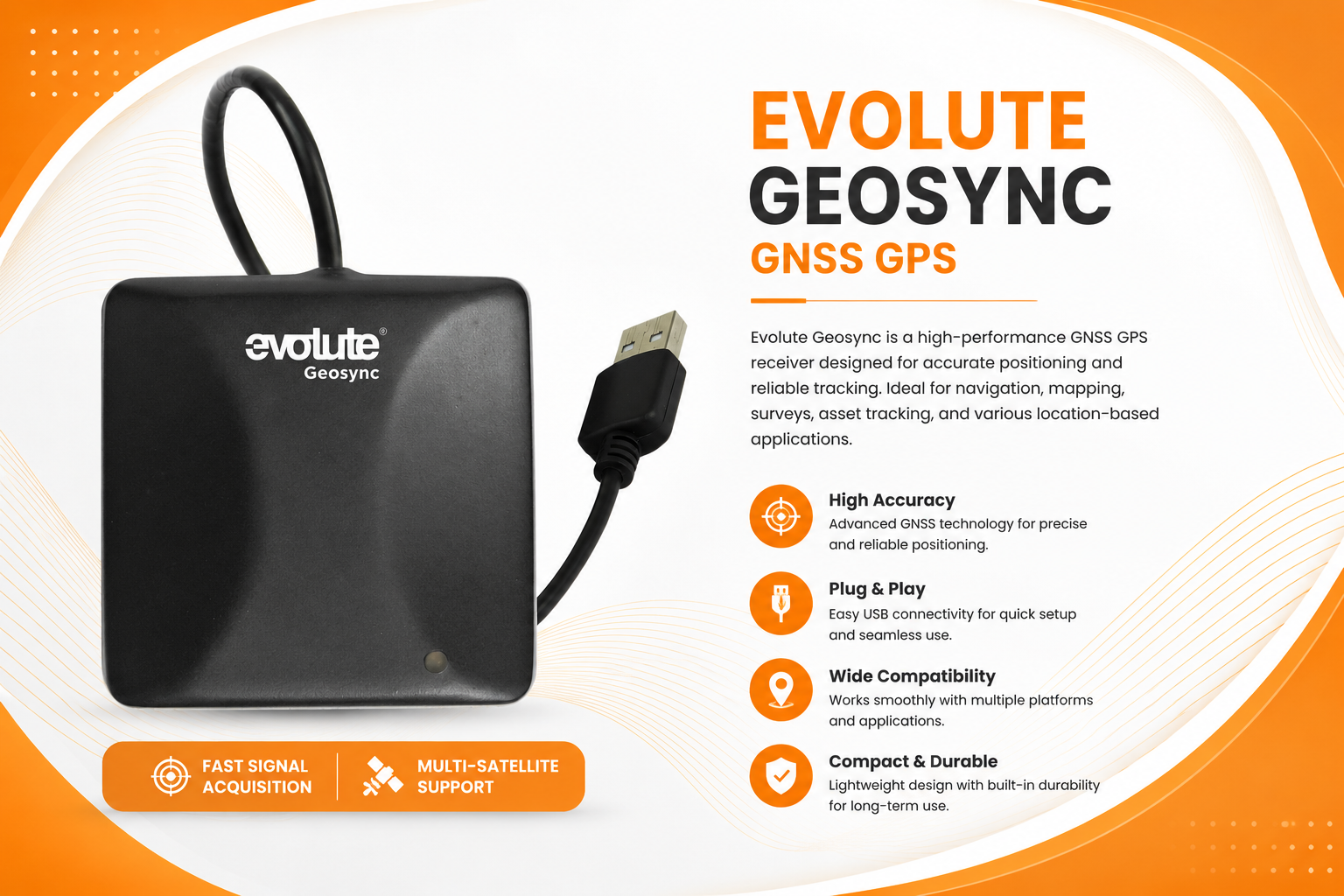
Bank of Baroda BCBank of Baroda BCvA1
Evolute GEOSYNC GNSS GPS(NEW)
Evolute GEOSYNC GNSS GPS – High-accuracy GNSS receiver for reliable positioning and location-based application
230MB Windows 10 and 11 Released 8/29/2026 Check the file with your preferred antivirus before installation 39 downloads
About Evolute GEOSYNC GNSS GPS(NEW)
The Evolute GEOSYNC GNSS GPS Receiver is a reliable and high-accuracy positioning solution designed for applications that require consistent satellite-based location information. It supports multiple GNSS satellite systems for dependable positioning and improved location accuracy.
With its compact and user-friendly design, GEOSYNC is suitable for banking and CSP applications, Aadhaar/eKYC, GIS and mapping, vehicle tracking, field data collection, asset tracking, and other location-based applications.
Technical details
- Version
- vA1
- File size
- 230MB
- Supported Windows
- Windows 10 and 11
- Bank
- BOB
- Category
- Bank of Baroda BC
- Last updated
- 8/31/2026
- Downloads
- 39
- Virus scan
- Check the file with your preferred antivirus before installation
Installation & setup
- Download the file using the button on this page and wait for it to finish.
- Close any earlier version of Evolute GEOSYNC GNSS GPS(NEW) that is currently running.
- Right-click the downloaded file and choose Run as administrator.
- Follow the on-screen installer steps and keep the default location unless you need to change it.
- Restart the computer if the installer asks you to, then open the application.
Common issues
- Check that your Windows version matches the supported systems listed above.
- If setup fails midway, uninstall the previous version and reinstall the correct build.
- For printers and devices, confirm the USB/network connection and power before installing.
- If the application does not start, restart it once, then restart the computer.
- Make sure any required drivers or runtime components are installed first.
Frequently asked questions
Ready to download Evolute GEOSYNC GNSS GPS(NEW)?
Free download, no sign-up required.
Download for BOB BCPlease verify software compatibility with your device and operating system before installation.
Useful CSP/BC tools
Free browser-based tools for everyday counter work.
JPG to PDFTurn photos of documents into a clean, printable PDF.Merge PDFCombine several PDFs into one file in the order you choose.Compress PDFShrink a PDF so it fits portal upload limits.PDF to JPGExport every page of a PDF as a high quality JPG image.Compress ImageReduce JPG, PNG or WEBP size with a quality slider.CSP Photo & ID PrintingPrepare passport-size photos and simple ID cards on an A4 sheet for easy printing.
Browse all CSP tools Government scheme closure
Generate ready-to-use PMJJBY, PMSBY and APY closure request letters in your browser.
Open letter generator