All software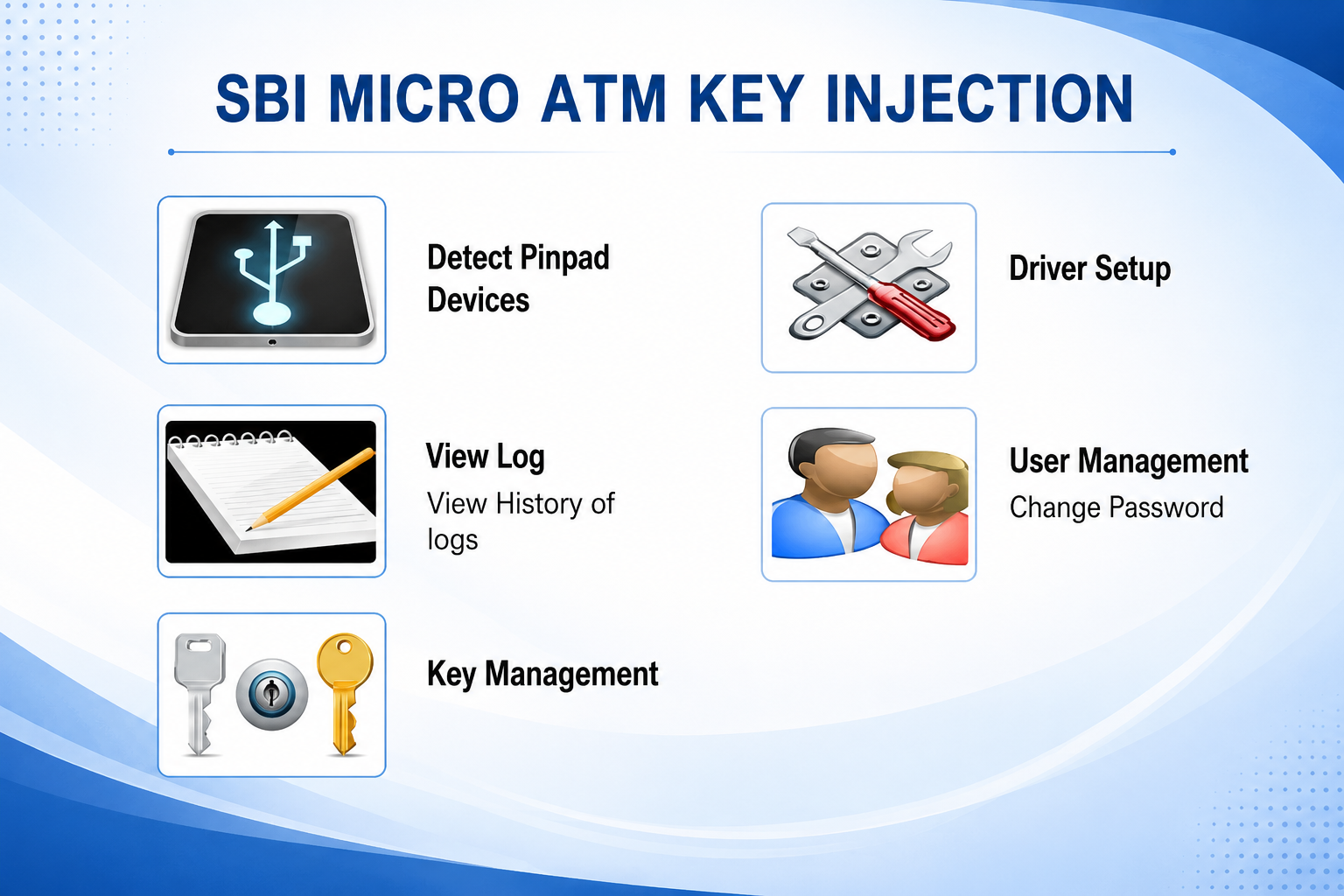
SBI CSPSBI CSPv6.0.1
MICRO ATM KEY INJECTION (SBI)
Micro ATM Key Injection ensures secure encryption key loading for Micro ATM devices, enabling safe and compliant banking transactions. Fast, reliable, and compatible with banking security standards for seamless financial operations.
55.6 Windows 10/11 Released 7/10/2026 Check the file with your preferred antivirus before installation 4 downloads
About MICRO ATM KEY INJECTION (SBI)
Micro ATM Key Injection is a secure and essential service that enables Micro ATM devices to perform encrypted financial transactions safely. The process involves loading cryptographic encryption keys into the device, ensuring that all banking operations are protected according to industry security standards. Proper key injection is mandatory for secure communication between the Micro ATM device and the banking network.
This service helps financial institutions, business correspondents (BCs), CSPs, and banking service providers maintain high levels of transaction security while complying with banking regulations. A correctly injected Micro ATM can securely process services such as cash withdrawal, balance inquiry, mini statement, fund transfer, and Aadhaar Enabled Payment System (AePS) transactions, depending on the device and bank configuration.
Our Micro ATM Key Injection service is performed using secure procedures to ensure the integrity and confidentiality of encryption keys. We support compatible Micro ATM devices and provide a reliable, efficient, and professional service to minimize downtime and keep your banking operations running smoothly.
Technical details
- Version
- v6.0.1
- File size
- 55.6
- Supported Windows
- Windows 10/11
- Bank
- SBI
- Category
- SBI CSP
- Last updated
- 7/10/2026
- Downloads
- 4
- Virus scan
- Check the file with your preferred antivirus before installation
Installation & setup
- Download the file using the button on this page and wait for it to finish.
- Close any earlier version of MICRO ATM KEY INJECTION (SBI) that is currently running.
- Right-click the downloaded file and choose Run as administrator.
- Follow the on-screen installer steps and keep the default location unless you need to change it.
- Restart the computer if the installer asks you to, then open the application.
Common issues
- Check that your Windows version matches the supported systems listed above.
- If setup fails midway, uninstall the previous version and reinstall the correct build.
- For printers and devices, confirm the USB/network connection and power before installing.
- If the application does not start, restart it once, then restart the computer.
- Make sure any required drivers or runtime components are installed first.
Frequently asked questions
Ready to download MICRO ATM KEY INJECTION (SBI)?
Free download, no sign-up required.
Download for SBI CSPPlease verify software compatibility with your device and operating system before installation.
Useful CSP/BC tools
Free browser-based tools for everyday counter work.
JPG to PDFTurn photos of documents into a clean, printable PDF.Merge PDFCombine several PDFs into one file in the order you choose.Compress PDFShrink a PDF so it fits portal upload limits.PDF to JPGExport every page of a PDF as a high quality JPG image.Compress ImageReduce JPG, PNG or WEBP size with a quality slider.CSP Photo & ID PrintingPrepare passport-size photos and simple ID cards on an A4 sheet for easy printing.
Browse all CSP tools Government scheme closure
Generate ready-to-use PMJJBY, PMSBY and APY closure request letters in your browser.
Open letter generator